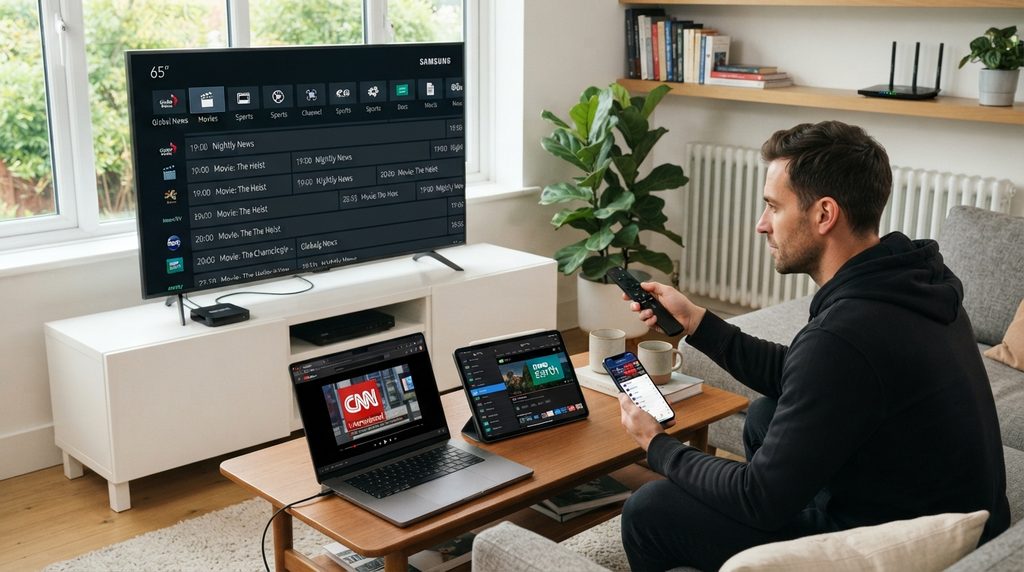
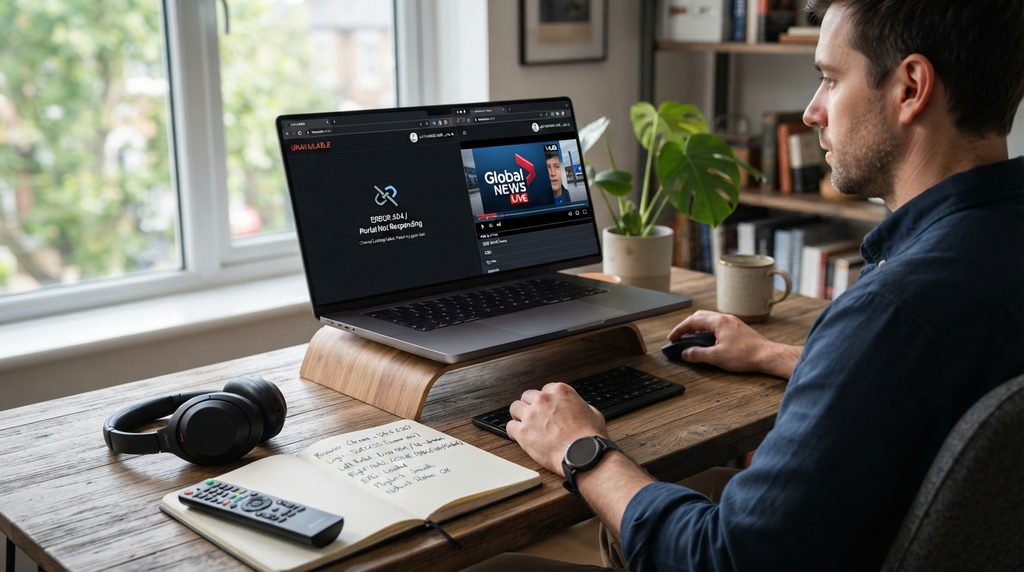
Looking for a web-8k.me alternative usually means one of two things: the Strong browser player is not working the way you expect, or you want a more convenient way to use an existing subscription on another device. Those situations sound similar, but they lead to different solutions. A person who only wants quick access from a laptop needs something very different from someone who watches every evening on Android TV, while a user troubleshooting a login problem may not need a permanent replacement at all.
This guide approaches the problem as a device and troubleshooting decision rather than another generic list of IPTV players. You will see which type of web-8k.me alternative makes sense for browser viewing, living-room televisions, computers, and diagnostic testing; how to tell whether the original web player or the subscription is actually causing the problem; and when changing players is useful versus when it only hides the real issue. The goal is to keep the setup simple, use only authorized subscription credentials, and avoid turning a temporary browser problem into a complete rebuild of your streaming setup.
Table of Contents
Start With the Problem You Are Actually Trying to Solve
The best web-8k.me alternative is not automatically the player with the longest feature list. It is the option that solves the specific weakness you are experiencing without creating two new problems. If the site only fails in one browser, another browser may be enough. If you dislike controlling a website with a television remote, a dedicated TV player is a more meaningful upgrade. If you mainly want to find out whether your subscription still works, VLC or another simple player can be more useful than a polished replacement because it gives you a clean test.
Your situation
Best direction
Why
You want quick viewing on a laptop
Browser-based player
No installation and closest to the original experience
You mainly watch on Android TV or Google TV
TV-focused IPTV player
Better remote, guide, favorites, and channel navigation
You use a Smart TV without a separate box
Compatible native TV app
Keeps everything on the television
You watch on Windows or macOS
Desktop IPTV software
Persistent controls and a dedicated viewing window
You only want to test whether streams still work
VLC or another simple compatible player
Useful for separating player trouble from subscription trouble
The site fails on one device only
Second browser or device
Fastest way to isolate a local problem
Before you change anything, also remember that the player and the subscription are separate layers. The original article describes web-8k.me as a Strong browser-based way to watch live television, movies, and series, while third-party players simply provide another interface when compatible credentials are available. A web-8k.me alternative should therefore make access easier; it should not require you to buy a second subscription just because the first interface has a temporary problem.
If You Like the Browser Experience, Stay Close to It
For people who open a laptop, sign in, watch for a while, and close the tab when they are finished, another browser-based player is the most natural web-8k.me alternative. The advantage is obvious: there is nothing to install, and you can use the same type of workflow on a work computer, Chromebook, temporary machine, or other device where installing a dedicated application is inconvenient. The tradeoff is that browser players still depend on the browser, the website, local extensions, cookies, permissions, and the route between your network and the web service.
Another Browser-Based IPTV Player
A reputable browser player can be a practical web-8k.me alternative when it supports the authorized login or playlist format your subscription provides. The source material for this article notes that browser players generally expect users to bring their own M3U, M3U8, or Xtream-style source rather than supplying television service themselves. That distinction matters because changing the interface does not create a new subscription; it simply gives an existing account another way to load compatible streams.
Do not choose a browser player based only on how quickly you found it in search. Check whether the site uses HTTPS, whether it explains what happens to entered credentials, and whether it has a clear privacy policy. Then test real use rather than only the login screen. Open several channels you actually watch, try full-screen mode, test audio and subtitles where relevant, move between categories, and leave a stream running long enough to see whether the page stays responsive. A web-8k.me alternative is only useful if it remains comfortable after the first five minutes.
Sometimes the Better “Alternative” Is Simply Another Browser
If Web-8K.me works on your phone or in a second browser but not in your usual browser, replacing the entire setup would be unnecessary. Cached site data, privacy settings, content-blocking extensions, media permissions, or a browser-specific issue can break one route while everything else remains normal. In that case, the quickest web-8k.me alternative is a clean private window or another modern browser because it changes one variable and immediately tells you whether the original browser is involved.
For Daily TV Viewing, a Dedicated Player Usually Makes More Sense
A browser is convenient on a computer, but it is not always pleasant from a sofa. If your television is the main screen, the strongest web-8k.me alternative is usually a dedicated application designed around remote-control navigation. These players can organize channels, favorites, categories, movies, series, and EPG information in a layout that feels more like television and less like steering a desktop website with directional buttons.
Smarters-Style Apps for Flexible Device Support
A Smarters-style application can be a good web-8k.me alternative for households that use more than one type of device. This category of player commonly supports television interfaces as well as phones or tablets and tends to group live channels, movies, series, favorites, and guide information in one place. The attraction is not that the app magically improves the subscription; it is that the interface is built around browsing a large IPTV library instead of behaving like a generic website.
The biggest caution is app identity. IPTV player names and lookalike branding can be copied, so install software from a legitimate store or verified developer source rather than from a random download page. Once installed, keep the initial setup simple. Load only the authorized account information you were given, test your normal channels, and avoid changing advanced playback settings unless you have a specific problem you are trying to solve.
A TiviMate-Style Interface for Android TV and Google TV
For Android TV and Google TV users, a TiviMate-style interface can be the most comfortable web-8k.me alternative because the design emphasizes channel groups, guide navigation, favorites, and remote control. That matters when you have a large playlist and want to move through it quickly. Instead of treating IPTV as a web page, a television-first player makes the guide itself the center of the experience, which is often more practical for everyday living-room use.
This type of web-8k.me alternative is less compelling if you mainly watch on a laptop or jump between temporary devices. Its strength is a stable TV routine, not universal browser access. If the television is where you spend most of your viewing time, however, the improved navigation can matter more than preserving the exact look of the web portal.
Native Smart TV Apps When You Want Fewer Devices
A compatible Smart TV application can also serve as a clean web-8k.me alternative when you do not want a laptop, Android box, or other streaming device connected to the television. The benefit is simplicity: open the TV app, use the normal remote, and keep the entire setup on one screen. Availability and performance vary by television brand, model, operating system, country, processor, and memory, so compatibility on paper is not enough to guarantee that an older television will feel smooth.
Test the actual service on the television before deciding that the app is your permanent solution. If you are evaluating Strong itself, start with the Strong8KTVs channel list, then use the Strong8K free trial on the same device you expect to use every day. That gives you a much more useful result than testing on a fast computer and assuming the Smart TV will behave the same way.
Computer Users Have Two Different Kinds of Backup
If you watch on Windows or macOS, you can choose between a full desktop application and a simpler playback tool. The first is intended to become part of your normal viewing routine; the second is most useful when you are diagnosing a problem. Both can work as a web-8k.me alternative, but they should not be judged by the same criteria.
Desktop IPTV Software for Regular Viewing
A dedicated desktop application can be a better web-8k.me alternative for someone who watches regularly on a computer, especially on a second monitor. Compared with keeping a browser tab open, desktop software can offer persistent playlists, a dedicated window, playback information, and sometimes hardware-decoding controls. It also separates streaming from the browser you use for work, email, research, or general browsing, which can make the setup feel less cluttered.
More settings do not automatically mean better streaming. Start with the defaults, confirm that the account loads correctly, and change only the settings connected to a problem you can actually describe. If playback is already smooth, there is no reason to experiment with every decoder or buffer option. A good web-8k.me alternative should reduce friction, not turn watching television into a configuration project.
VLC Is More Useful as a Diagnostic Tool Than a Full TV Interface
If your authorized subscription includes an M3U playlist, VLC can work as a simple web-8k.me alternative on a computer. VLC is a general media player, so it does not provide the same polished channel guide or TV-focused navigation as a dedicated IPTV application. That limitation is exactly why it can be useful for troubleshooting: it gives you a relatively simple way to see whether the playlist and streams load outside the browser environment.
Suppose Web-8K.me refuses to open or accept the session, but the same authorized source plays normally in VLC. That result suggests the subscription or stream can still function and gives you a reason to investigate the browser route more closely. If several independent methods fail across multiple channels, the evidence shifts toward the credentials, account, server, network, or provider rather than one interface. Used this way, VLC is a web-8k.me alternative that helps answer a question instead of merely giving you another place to click.
Web-8K.me Alternative Comparison: Which Type Fits You?
The right choice depends more on your device and viewing habits than on the number of features. A browser user values fast access, a TV user values navigation, and someone troubleshooting values a clean comparison. The table below keeps those priorities separate so you can choose a web-8k.me alternative without installing five players that all solve the same problem.
Option
Best use
Main strength
Main limitation
Good permanent choice?
Browser IPTV player
Laptops and temporary devices
No installation
Still depends on a web service and browser
Yes, for browser-first users
Second browser/device
Fast troubleshooting
Changes one variable quickly
May not solve the original cause
Usually a backup
Smarters-style app
TV, mobile, tablet
Broad device support
Need to verify the legitimate app
Yes
TiviMate-style player
Android TV / Google TV
Remote and EPG navigation
TV-focused rather than browser-first
Yes
Native Smart TV app
Simple one-device setup
No extra box required
Performance and availability vary
Yes, when the TV handles it well
Desktop IPTV software
Windows/macOS viewing
Dedicated controls and window
Requires installation
Yes
VLC
Diagnostics and simple playback
Useful M3U test
Limited TV-style organization
Better as a fallback
No option in that table automatically changes the underlying subscription. If your account supports another compatible player, you are changing the interface, not buying a different content package. That is why the best web-8k.me alternative can also be a useful backup even if you continue using the original browser player most of the time.
Before You Replace Web-8K.me, Find Out What Is Actually Failing
A temporary web-player failure does not automatically justify changing the entire service. The source material for this article mentions a January 2026 community report in which a Strong user said Web-8K.me stopped accepting their login during a Cloudflare-related problem and later reported that new URLs from the seller restored access, with the original web player working again. One anecdotal report does not establish a general pattern, but it illustrates why having a web-8k.me alternative is useful for diagnosis while you wait to learn whether the original route has recovered.
Use a Controlled Test Instead of Random Fixes
The most useful troubleshooting process changes one thing at a time. First confirm that the subscription is still active and re-enter the username and password carefully. Then open a private window, test another browser, and try another device on the same network. If necessary, test another network. Only after those basic checks should you load the authorized account in a trusted web-8k.me alternative. This sequence helps you learn something from each test instead of changing the browser, device, network, password, and player simultaneously.
Confirm that the subscription has not expired.
Check the username and password carefully rather than relying on an old autofill entry.
Open Web-8K.me in a private or incognito window.
Clear only the relevant site’s cached data and cookies if needed.
Temporarily test without extensions that may interfere with media or scripts.
Try a second modern browser.
Test another device while keeping the same network.
Test another network if practical.
Try one trusted web-8k.me alternative using only authorized account details.
Contact the provider if several supported methods fail in the same way.
The result matters more than the number of steps completed. If another browser works immediately, the subscription did not need replacing. If a dedicated player works but every browser route fails, investigate the web access path. If nothing works anywhere, the player becomes a less likely explanation. This is where a web-8k.me alternative earns its place as a diagnostic tool instead of becoming another random app on your device.
How to Choose a Web-8K.me Alternative Without Making the Setup Less Secure
Changing players often means entering account information into another interface, so convenience should not come before basic security. Verify that the player is legitimate, use an official app store or trusted developer source where possible, and avoid websites sent by strangers in private messages. A web-8k.me alternative does not need access to unrelated passwords, payment-card information, email accounts, or other personal data simply to play an authorized subscription.
On browser players, look for HTTPS and readable information about privacy and credential handling. On apps, pay attention to the developer identity and requested permissions. If a player asks for permissions that have no reasonable connection with playback, investigate before proceeding. Also remember that the player itself does not make an unauthorized playlist legitimate; use only content and account access you are permitted to use.
After setup, test a small group of important channels rather than immediately reorganizing the entire playlist. Check startup time, picture stability, EPG loading, favorites, audio tracks, subtitles, full-screen behavior, and remote responsiveness. If the web-8k.me alternative performs well on the things you actually use, there is little value in spending another evening comparing minor features you may never touch.
When Switching Players Is No Longer the Main Question
If several supported players fail on different devices and networks, another web-8k.me alternative is unlikely to solve the root problem. At that point, confirm the subscription status and ask support whether the account, server details, or access method has changed. For Strong8KTVs-related account help, the Strong8KTVs contact page is more useful than cycling through more interfaces without knowing whether the credentials are still valid.
Should One Web Player Outage Make You Change Providers?
Usually not. One interface can have a temporary login, routing, browser, or service problem while the underlying subscription continues to work elsewhere. If a web-8k.me alternative loads the same account normally, keep the alternative as a backup and judge the provider by the wider experience rather than one isolated incident. A temporary portal problem is inconvenient, but it is different from repeated loss of the actual service.
The decision changes when failures become a pattern across multiple supported players, support cannot resolve them, and the service itself repeatedly becomes unavailable. At that point, you are no longer comparing interfaces; you are evaluating reliability. If you have not subscribed yet, avoid making that decision blindly. Review the Strong8KTVs pricing plans only after testing the service on your real device and checking the channels you care about.
For new users, a Strong8K free trial is more informative than assuming a long subscription will perform well because a web player looks good. Test peak viewing hours, several live channels, movies or series you care about, EPG behavior, and the device you plan to use most. If you also want background on the ordinary concept of television, that reference remains separate from the provider-specific channel lineup and playback tools.
Frequently Asked Questions About Web-8K.me Alternatives
Is There a Web-8K.me Alternative That Works Entirely in a Browser?
Yes. A reputable browser-based IPTV player can serve as a web-8k.me alternative when it supports the authorized credential or playlist format provided with your subscription. As a web-8k.me alternative, the advantage is quick access without installation. The downside is that you are still relying on another website and browser environment, so it does not remove every type of problem that can affect a web player.
Can I Use My Existing Strong Account in Another Player?
Potentially, if the account includes a login or playlist format that the other player supports. The source material notes community reports of Strong users using third-party players, but the exact configuration can vary by account or seller. Ask the provider which formats are supported before assuming that every web-8k.me alternative will accept the same credentials.
Is a TiviMate-Style Player Better Than Web-8K.me?
It can be better for Android TV or Google TV because the interface is designed around a television guide and remote control. That does not make it universally better. Someone who wants instant access from any laptop may prefer the browser experience. The best web-8k.me alternative is the one that fits the device you actually use, not the one with the most enthusiastic recommendation online.
Can VLC Fully Replace the Web Player?
VLC can play an authorized M3U source and is useful for troubleshooting or straightforward playback, but it is not a full television-style interface. It lacks some of the guide, favorites, category, and remote-friendly organization that dedicated IPTV applications provide. For many people it is a stronger diagnostic web-8k.me alternative than a permanent everyday replacement.
Do I Need a New Subscription to Use Another Player?
Not necessarily. A player and a subscription are different things. When your existing account provides compatible authorized credentials, another player may simply load that account through a different interface. Do not pay for another service until you know whether the issue is only the original web player and whether your current subscription can be used with another web-8k.me alternative.
What Should I Try First When Web-8K.me Is Not Working?
Confirm that the account is active, check the credentials, and test a private window or second browser before making larger changes. Then try another device and, if needed, one trusted web-8k.me alternative. If the failure follows the account across different methods, contact the provider because the issue may no longer be limited to the browser player.
Which Alternative Is Best for a Living-Room TV?
For Android TV or Google TV, a remote-focused IPTV application is usually more comfortable than a browser. A compatible native Smart TV app can also work well if the television has enough performance and the app is available for that model. A practical web-8k.me alternative is whichever option gives you smooth playback and easy navigation on the television you already own.
Final Choice: Pick the Alternative That Removes the Actual Friction
There is no single web-8k.me alternative that wins for every device. Browser-first users should stay with a trustworthy browser player or keep a second browser ready. Android TV and Google TV users will usually get more value from a dedicated guide-focused application. Smart TV owners can use a compatible native app when performance is good, while computer users can choose desktop software for regular viewing and keep VLC available for testing.
When choosing a web-8k.me alternative, the more important lesson is not to confuse a player problem with a subscription problem. Test one variable at a time. If another web-8k.me alternative works with the same authorized account, the original interface may be the issue. If every method fails, stop installing more players and verify the account, network, or provider. A web-8k.me alternative should give you useful information instead of simply moving the same problem from one screen to another.
If you are a new customer, choose a web-8k.me alternative only after evaluating the actual service instead of worrying about backup players first. Check the channel lineup, test the free trial on your real devices, confirm which login formats and players are supported, and compare pricing only after you know the setup works. A good web-8k.me alternative should make access more flexible and dependable without making your account less secure or your setup more complicated.