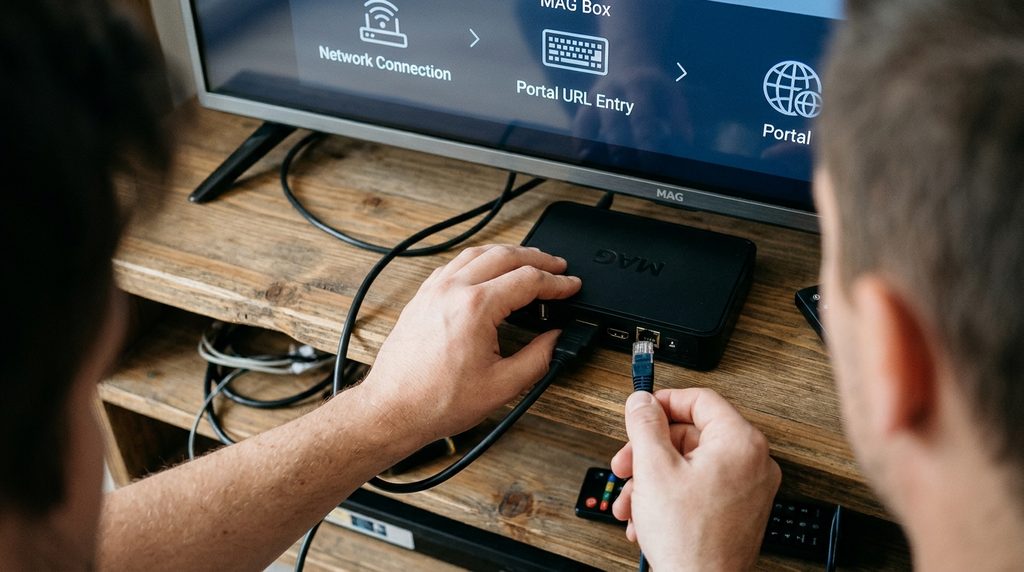
A MAG box IPTV provider subscription is not necessarily interchangeable with a generic app-based login. Depending on the model and service, setup may require a portal URL and device registration rather than an M3U playlist in a standard Android app. Strong 8K’s public pages do not clearly list MAG models, so confirm support before checkout.
Quick Answer: A MAG box IPTV provider subscription is not necessarily interchangeable with a generic app-based login. Depending on the model and service, setup may require a portal URL and device registration rather than an M3U playlist in a standard Android app. Strong 8K’s public pages do not clearly list MAG models, so confirm support before checkout. Record the exact model and software version, ask for model-specific instructions, confirm the portal/activation fields before paying, submit device identifiers only through verified support if registration is required, and test channels and EPG. Never post MAC addresses or credentials publicly.
Table of Contents
MAG box IPTV provider subscription: What to verify before choosing?
The technical or regional distinction
MAG devices and app-based players can use different setup methods. Confirm the exact MAG model, portal or activation requirements, and whether registration is needed; never assume an Android-box compatibility claim covers a MAG box.
The subscription, playback app/device and content rights are separate considerations. Confirm the exact model, location, channel or event—not just a general marketing label. Where a feature, device or sports package is not named on the provider’s public pages, treat it as unverified until support confirms it in writing.
Questions to confirm with Strong 8K
The public Strong 8K pages describe subscription plans and general service features, but they do not resolve every device-specific or country/event-specific question in this article. Ask which app and login method to use, which named channels are included in your region, how many screens may stream simultaneously, what the trial covers and which refund rules apply. Start with the Strong 8K contact page.
Setup and testing steps
Practical setup sequence
Record the exact model and software version, ask for model-specific instructions, confirm the portal/activation fields before paying, submit device identifiers only through verified support if registration is required, and test channels and EPG. Never post MAC addresses or credentials publicly.
Troubleshooting and limitations
If setup fails, separate an app-install problem from a login/playlist error and from an actual playback issue. Check the official app listing, re-enter credentials carefully, test another channel and note the exact time/error. For sports or region-specific channels, confirm the event and territory separately. Do not install unfamiliar apps or share credentials/device identifiers publicly to “fix” a mismatch.
Compare subscriptions and terms
What to compare
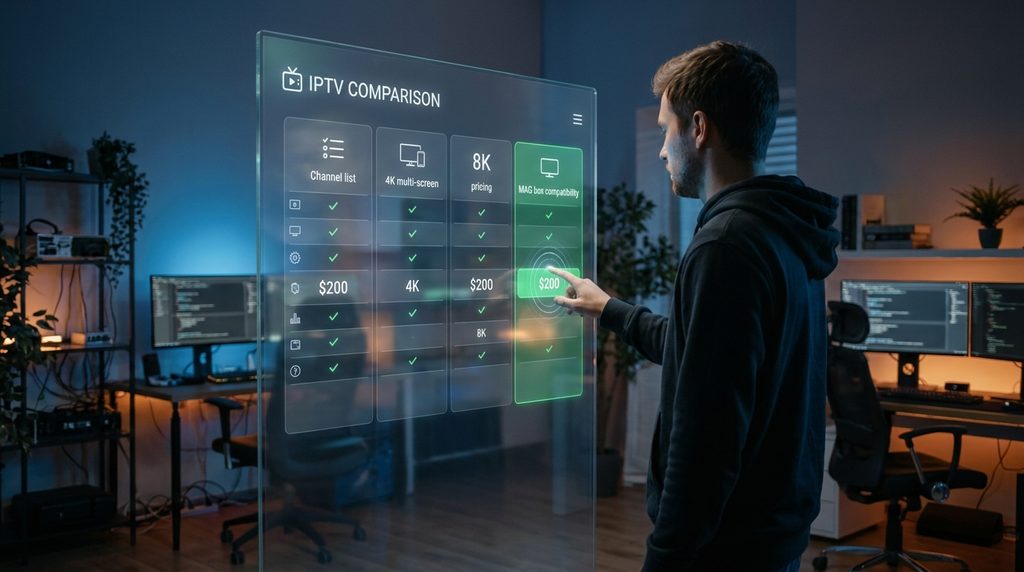
Compare exact channel and event availability, player compatibility, available source resolution, electronic program guide (EPG), simultaneous connections, support, payment method, refund/cancellation terms and the provider’s rights to distribute the content. Use a trial only after its duration, limits and end conditions are clear. Do not treat channel counts, “all sports” claims, or “buffer-free” wording as verified performance evidence.
Strong 8K pricing and trial notes
Strong 8K’s pricing page, checked October 18, 2026, showed one-connection options of $15.99 for 1 month, $34.99 for 3 months, $59.99 for 6 months, and $79.99 for 12 months. Its connection selector can change the total. Recheck the live price at checkout. These figures are a snapshot, not a guarantee of current pricing. The live pricing page should be checked at checkout.
The Strong 8K trial-request page was available, but the reviewed page did not clearly state the trial duration. Confirm timing, channel scope, eligibility, device limits and any payment/cancellation conditions directly. The trial-request page is the place to ask, not proof of an unstated trial duration. The pages reviewed do not establish every device model, local channel, premium sports right or regional feed discussed in this article.
Buyer checklist and decision matrix
Use this documentation-based decision aid before paying. It is not a hands-on compatibility test, independently audited channel list, or provider ranking.
Check
Evidence to confirm
Why it matters
Exact model
Written confirmation for that model
Avoid unsupported device assumptions
Portal method
Portal URL or documented activation process
Generic M3U instructions may not fit
Registration
Whether device registration is required and reversible
Prevents binding access to the wrong device
Support/refund
Contact route and cancellation terms
Provides recourse for setup failure
Hypothetical example: A buyer receives only an M3U link for a MAG box. Instead of installing unknown conversion tools, the buyer asks whether a compatible MAG method is supported and reviews the service’s refund terms.
Frequently asked questions
Can every IPTV provider work on MAG?
No. Confirm the exact model and provider setup method.
Do all MAG boxes use a portal URL?
Setup varies. Follow instructions written for the exact model and service.
Does Strong 8K explicitly list MAG models?
The pages reviewed did not confirm specific MAG model support; ask support before subscribing.
Should I post my MAG MAC address publicly?
No. Share device identifiers only through verified support when required.
Trust and methodology
Prepared using public Strong 8K pages and the relevant official device/platform or rights documentation listed below, checked on Novembre 16, 2026. This is a documentation-based guide, not a hands-on test. No independent benchmark, personal testing result, licensing claim, customer testimonial, uptime guarantee, or unverified channel availability is asserted. Device support, prices, channel rights and trials may change.
Next step with Strong 8K
Before checkout, confirm the exact device, country, player and channels you need with Strong 8K. Review current pricing and connection options, verify trial conditions at the trial-request page, or ask through Strong 8K support. This is a verification step, not a claim that every device, channel or event is supported.