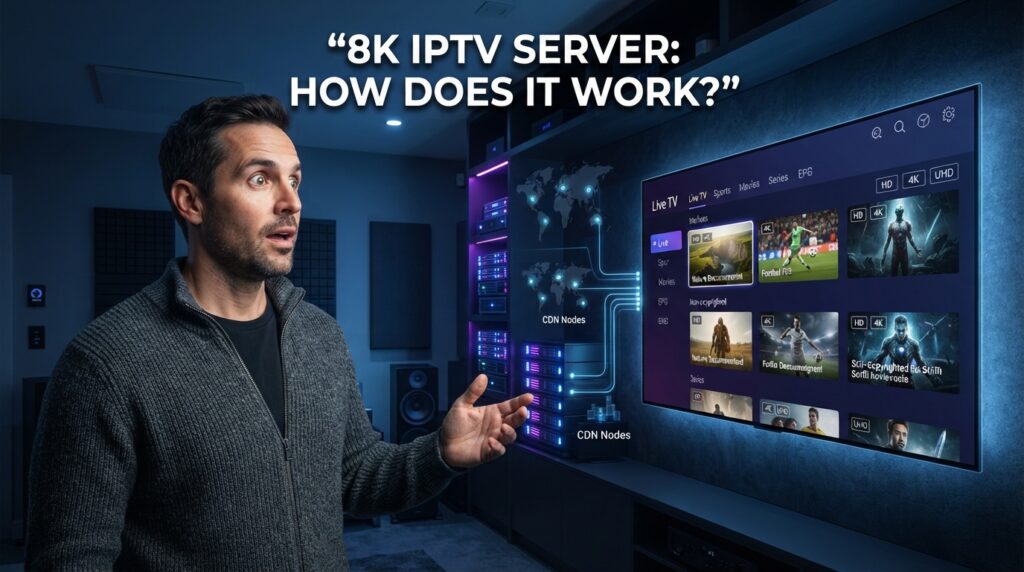
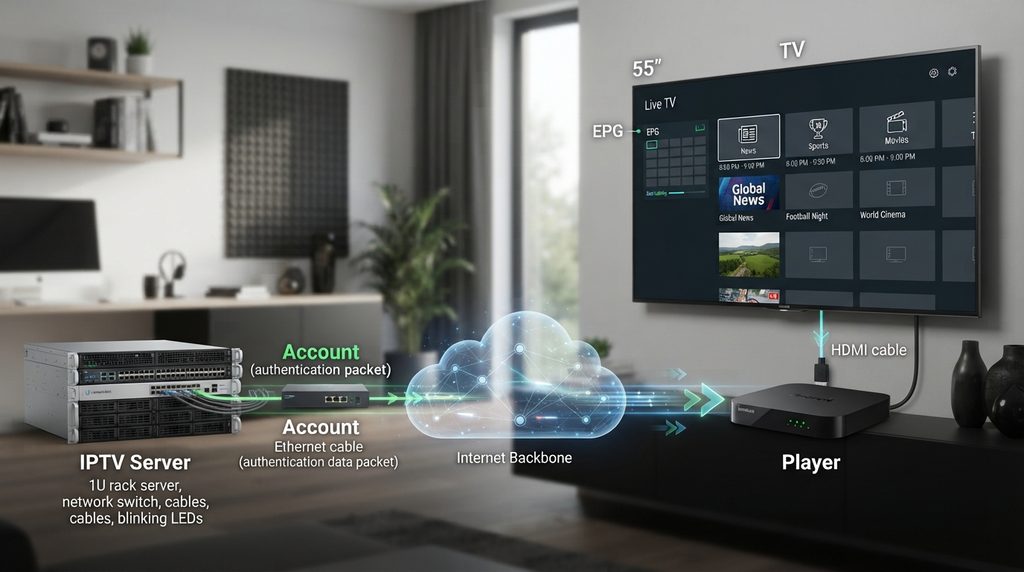
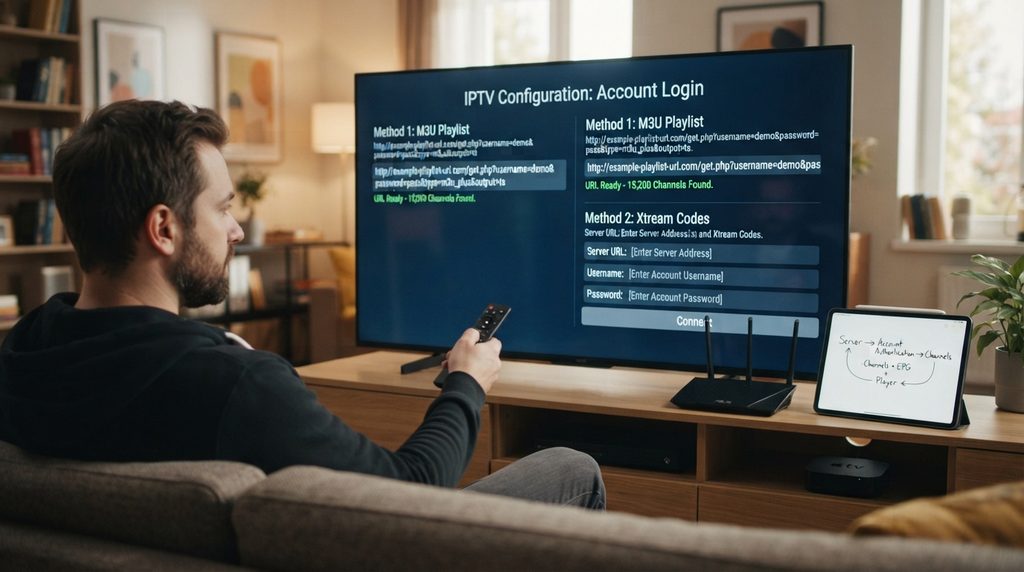
An 8k iptv server is the backend infrastructure that makes an authorized IPTV account usable. The player on your television handles the interface, favorites, categories, search, and playback controls, but the backend authenticates the account and makes live channels, movies, series, guide information, and other permitted data available through the login details assigned to you. Keeping those layers separate is one of the easiest ways to understand why a television app can open normally even when streams fail, or why a working subscription can feel broken inside one particular player.
The phrase can also create the wrong expectation that there is one public Strong server address every customer should copy into every app. Current Strong-related material shows reseller panels, Xtream-style access, custom DNS options, refreshed playlists, changing domains, and provider-managed hostnames. That means an old URL from a tutorial can become outdated without the underlying subscription disappearing. The safest rule is to use the connection details issued for your own account and verify server changes through a support route tied to that subscription. A current 8k iptv server address is therefore more useful than an old URL that once worked for somebody else.
If you are evaluating Strong8KTVs rather than troubleshooting an existing account, start with the Strong8KTVs channel list and write down the channels you genuinely watch. Then use the Strong8K free trial with the same player, device, network, and viewing hours you plan to use later. A controlled trial tells you far more about an 8k iptv server than a claimed uptime percentage, a giant channel count, or an old list of server URLs.
Table of Contents
What Does an 8K IPTV Server Actually Do Behind Your Player?
The easiest way to understand an 8k iptv server is to picture the setup as three separate layers. The subscription defines what your account is allowed to access and how long that access lasts. The backend authenticates the account, exposes the available channels and VOD library, and provides the data needed by a compatible player. The player then turns that information into something you can browse on Fire TV, Android TV, Smart TV, a phone, a tablet, or a computer.
That separation matters during troubleshooting. Suppose your preferred app suddenly says the playlist cannot be loaded. If the same username, password, and authorized server information work immediately in another compatible player, the 8k iptv server is probably still reachable and the first application becomes a stronger suspect. The problem could be corrupted cache, a bad EPG refresh, decoder behavior, or a player-specific login issue rather than the subscription itself.
The opposite pattern gives different evidence. If the same account fails in several players on different devices while normal internet services work, the account status, hostname, provider infrastructure, ISP route, or backend becomes more relevant. If only one channel fails while everything else works, even the 8k iptv server may not be the real problem; that individual source feed could be unavailable. Understanding the layers stops every error from being blamed on the same component.
Component
Main Job
Typical Problem
Subscription
Defines account access and expiration
Expired or incorrect permissions
IPTV server
Authenticates and serves account data
Hostname, routing, backend, or account issue
IPTV player
Displays and plays the available content
Cache, decoder, EPG, or app configuration
Reseller panel
Creates and manages customer accounts
Renewal, bouquet, or credential issue
DNS/CDN route
Directs traffic toward provider infrastructure
Blocking, congestion, or route failure
Why Is There No Single Permanent Strong 8K Server URL?
People often search for one “official” hostname because it feels easier than depending on a seller for current account details. In reality, an 8k iptv server can sit behind several customer-facing domains, custom DNS names, reseller subdomains, or playlist URLs. Providers can replace a hostname, route accounts through another domain, or issue a refreshed playlist without changing the underlying entitlement attached to the account.
That is why copying an old server from Reddit, YouTube, a cached setup article, or a forum post is unreliable. The hostname may have belonged to another reseller, another account group, another region, or an earlier infrastructure configuration. Even if the domain once worked with some Strong-style accounts, it does not follow that your own 8k iptv server credentials are authorized to use it today.
How Do M3U and Xtream Logins Connect You to the Server?
Most viewers interact with an 8k iptv server through a login format rather than through a backend dashboard. Two of the most common are M3U and Xtream-style access. An M3U setup generally arrives as one complete playlist URL and may include a separate EPG link. An Xtream-style setup normally gives you a server address, username, and password as separate values that are entered into the player’s corresponding fields.
Both approaches ultimately let the player reach the authorized backend and request the categories, guide information, live streams, movies, and series permitted for that account. The difference is how the connection information is packaged. One player may accept both methods, while another may expect only one. Some portal-based devices can use a MAC-address or Stalker-style activation instead.
Use only the login details issued with your own 8k iptv server account. Example credentials found in tutorials can be expired trials, placeholders, or information belonging to someone else. Small input errors matter too. A missing character, an extra space, the wrong protocol, or a hostname from an unrelated guide can make a valid subscription look inactive.
A Server Address and a Complete Playlist Are Not the Same Thing
A common setup mistake is pasting a bare server hostname into a field that expects a complete M3U playlist. The 8k iptv server address is only one part of the connection. A complete M3U link normally adds a path and account-specific parameters such as username, password, playlist type, or output format. If your provider gives Xtream-style credentials, enter the server, username, and password separately. If it gives a full M3U link, use the entire authorized link in an M3U-compatible player.
Do not manually build a full playlist unless your provider gives you the correct structure. It is easy to create a broken URL by guessing the path or parameters. The simplest approach is to use the exact connection format you received. If the player screen does not match the information supplied for your 8k iptv server, ask which login method should be selected rather than converting the details yourself.
How Do Reseller Panels Change the Customer Experience?
Many Strong-style services are distributed through resellers, and that layer explains why two people can buy what appears to be the same 8k iptv server access and still have a different experience. A reseller panel can be used to create customer accounts, allocate credits, enable bouquets or regional groups, renew subscriptions, manage sub-sellers, and sometimes create customer-facing DNS names. The backend can be related while the packaging and support differ.
One reseller may enable only the countries a customer requests, resulting in a cleaner playlist. Another may leave every available group active, creating a much larger library. One seller may extend the same username at renewal, while another issues a fresh account. Another may provide a custom server hostname even when the accounts ultimately connect to related infrastructure. Those differences are not necessarily evidence that the underlying 8k iptv server is different; they can come from how the reseller manages access.
What Does Server Stability Really Mean in Daily Use?
IPTV sales pages often advertise figures such as 99% or 99.9% uptime. Those numbers may sound reassuring, but unless they come from independently audited monitoring they should be treated as seller claims rather than guaranteed service-level measurements. For a household, the more useful definition of a stable 8k iptv server is whether the channels and features you actually use remain accessible during the hours that matter.
Test different types of content. Open local television, news, entertainment, movies, series, and several live channels. If sports are important, include a real high-demand event because that can expose source instability or routing problems that never appear on an ordinary daytime channel. Watch for more than a few seconds and repeat some tests during evening peak hours.
Channel switching matters too. An 8k iptv server can feel unreliable even when streams eventually load if every channel takes a long time to start, categories repeatedly fail to refresh, or VOD requests time out. EPG data is another part of the experience. If guide information regularly disappears while the streams remain available, the issue may involve a separate guide source rather than the core stream backend.
When an 8K IPTV Server Buffers, How Do You Find the Real Cause?
Buffering can come from the 8k iptv server, but it can also come from the original source feed, ISP routing, weak Wi-Fi, router congestion, VPN performance, device memory, player decoding, or background traffic. Because the symptoms look similar, blaming the backend immediately can lead you to replace a subscription while the actual problem stays in your home network or player.
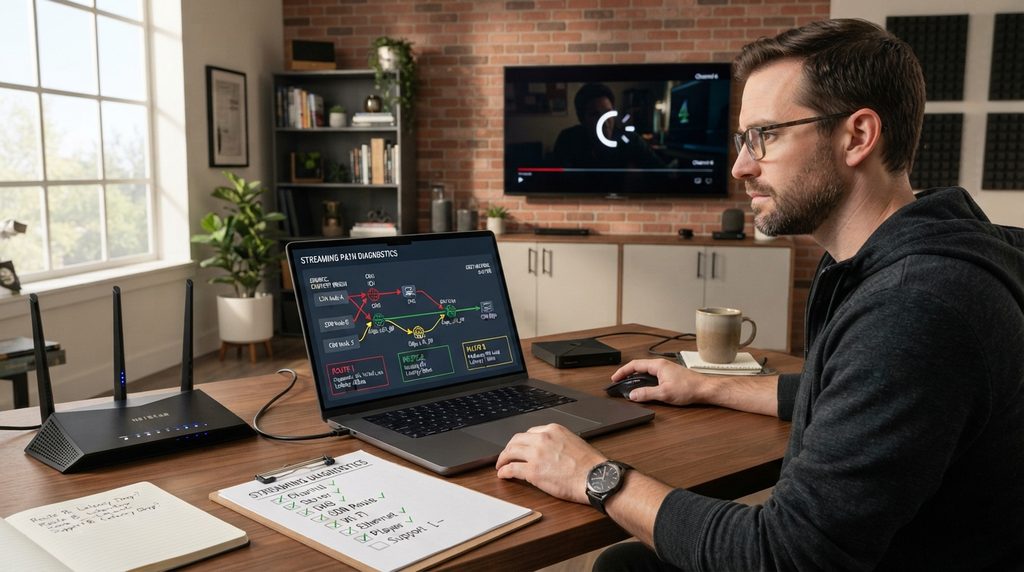
Begin by asking whether the problem affects one stream or many. Test another channel from the same group, then a completely different category. Restart the affected stream and device. Confirm that ordinary internet video works. Compare Wi-Fi with Ethernet if both are available and pause large downloads, game updates, or cloud backups. Then load the same account and channel in another compatible player.
Change One Variable at a Time Before Blaming the Backend
Test a second channel in the same category.
Try a channel from a completely different group.
Restart the stream and player.
Restart the television or streaming device.
Check another streaming service on the same hardware.
Compare Wi-Fi with Ethernet where possible.
Pause large downloads and cloud backups.
Test the same account in another compatible player.
Try a second device or network before changing the subscription.
Why Can DNS, CDN, and ISP Routing Make Two Users See Different Results?
An IPTV backend does not necessarily send every customer through one physical server in one location. Providers can use content-delivery networks, multiple hostnames, regional routes, or custom DNS names so traffic reaches different infrastructure depending on the account and location. That helps explain why two customers can use related 8k iptv server access and report very different performance.
One ISP may route cleanly toward the provider while another path experiences congestion, filtering, or a DNS problem. A VPN can sometimes change that path, although it can also make performance worse if the VPN route is overloaded. Likewise, a provider-approved alternative hostname can occasionally solve a connectivity issue because it changes how the player reaches the same broader infrastructure.
How Should You Protect Server URLs and IPTV Credentials?
Credentials used with an 8k iptv server should be treated like passwords. A complete M3U URL can expose the username and password directly inside the link, which means posting it publicly can give another person enough information to use the account. The same caution applies to screenshots that reveal server details, account names, order numbers, or other identifiers unnecessarily.
When requesting technical help, share only what is needed to explain the symptom. The device model, player name, and error message are often enough for the first troubleshooting step. Blur or crop account details from screenshots. Do not paste your complete playlist into unknown “M3U checker” or “server tester” websites simply because they promise an instant diagnosis.
Be cautious with unsolicited messages claiming the 8k iptv server has migrated and asking for your username or password so the account can be “moved.” Server changes can be real, especially in reseller ecosystems, but verify them through a contact route you already trust. Telegram and public groups are useful for announcements, yet display names are easy to imitate.
How Should You Test an 8K IPTV Server Before Buying a Long Plan?
A trial is the best way to judge the complete 8k iptv server setup because a sales page cannot reproduce your ISP, router, player, television, location, and viewing habits. The goal of a trial is not to see how many categories appear. It is to find out whether the backend, account, network, and player work together well enough for the content you genuinely care about.
Create a shortlist before the trial begins. Include ten to twenty priority channels, one or two sports feeds if sports matter, a movie or series, and the regional groups your household needs. Test live channels for meaningful periods, not just a few seconds. Check channel-switching speed, EPG accuracy, VOD search, subtitles, alternate audio, favorites, and what happens after the player restarts.
Repeat the important tests during evening or peak viewing hours. If a major sports event is one of the main reasons you are considering the subscription, include a real event. An 8k iptv server that performs perfectly on quiet daytime television but repeatedly struggles during the content you care about most may not be the right fit regardless of the advertised channel count.
If you are testing Strong8KTVs, use the Strong8K free trial on your primary device and compare your priority channels with the Strong8KTVs channel list. Use the Strong8KTVs contact page if the correct player, login method, server information, or connection rules are unclear. Once the full setup has proved itself, compare the Strong8KTVs pricing plans and choose a duration that matches your confidence.
Ask These Questions Before You Commit
Is a trial available on the exact account type I am considering?
Which devices and players are supported?
Will I receive M3U, Xtream-style credentials, or another login method?
How many simultaneous connections are included?
Can the same username be renewed or will I receive a new account?
What should I do if the server hostname changes?
Which support route should I trust for urgent account updates?
Can specific regional groups be enabled or removed?
These questions tell you more about the real buying experience than asking only for the largest channel count. A strong 8k iptv server can still become frustrating if the seller cannot explain renewals, connection limits, or the current server route. The backend and the support layer need to work together.
Frequently Asked Questions About 8K IPTV Servers
Is There One Strong 8K Server URL for Everyone?
No single public hostname should be assumed to work for every account forever. Strong-related material references custom DNS, reseller subdomains, changing domains, and refreshed playlists. Use the 8k iptv server information supplied for your specific account and verify replacements through your provider.
Can I Use TiviMate With an 8K IPTV Server?
Potentially, yes, when your provider supplies an authorized M3U, Xtream-style, or another account format supported by the player. Enter only your own credentials and the server information issued for your account. Player compatibility does not automatically mean your plan includes multiple simultaneous connections, so check that separately.
Why Is My Server URL Not Working?
Possible causes include an expired account, a changed hostname, incorrect credentials, DNS issues, ISP routing, provider maintenance, or a problem with the player. Test the same account in another compatible app and ask the provider for the current authorized 8k iptv server address before changing random settings.
Does an 8K IPTV Server Mean Every Channel Is Native 8K?
No. The “8K” name does not guarantee that every source is native 8K. Actual quality depends on the original source, encoding, bitrate, server delivery, network path, player, device decoder, and display. Stable HD or 4K can be more useful than a higher-resolution label attached to an unreliable feed.
Why Does the Server Work for Someone Else but Not for Me?
Different users can take different network routes toward the same infrastructure. ISP routing, DNS behavior, regional CDN paths, local Wi-Fi, VPN use, and device configuration can all affect the connection. Compare another network and another player before concluding that the 8k iptv server is globally unavailable.
Should I Copy a Server URL From Reddit or YouTube?
Not as a replacement for the details assigned to your account. A public hostname can be outdated, reseller-specific, regional, or unrelated to your credentials. Use the server or playlist supplied for your own 8k iptv server subscription and verify changes with the seller or provider that issued it.
Does Buffering Prove the IPTV Server Is Overloaded?
No. Buffering can come from the source stream, backend, ISP route, Wi-Fi, VPN, player, device, decoder, or background traffic. A controlled comparison across channels, players, devices, and networks gives you much better evidence than assuming the 8k iptv server is overloaded after one freeze.
What Matters Most in an 8K IPTV Server in 2026?
A good 8k iptv server should mostly disappear into the background. You should be able to open your player, reach the channels you care about, use the EPG, browse VOD, and watch without thinking constantly about DNS names, backend routes, reseller panels, or server migrations. When something does fail, understanding the difference between the account, server, source feed, player, and home network gives you a much faster way to diagnose it.
Do not chase random server URLs or assume every Strong-branded reseller uses one permanent hostname. Use the connection information supplied for your account, keep credentials private, and verify changes through trusted support. Treat uptime percentages and enormous channel counts as seller claims until the 8k iptv server has performed well under the exact conditions that matter in your home.
For Strong8KTVs users, start with the channel list and free trial, then test the service during real viewing conditions on your main device. Use the contact page when the recommended player, login method, server information, renewal process, or connection limits are unclear. Once the 8k iptv server setup is consistently reliable, compare the pricing plans and choose a commitment that matches what you have actually verified.
The right backend is not the one with the most impressive technical language. It is the one that authenticates reliably, delivers the content you need, remains stable during the events you care about, works cleanly with your preferred player, and comes with a support path that can provide current information when domains or account details change.