
Table of Contents
strong tivimate is a phrase viewers often use when they want to run a Strong 8K-style IPTV subscription through the TiviMate interface on Android TV, Google TV, or Fire TV hardware. The name can be confusing because TiviMate itself is a separate media-player application, while Strong accounts are supplied by IPTV sellers or resellers. In most setups, the player organizes the playlist, guide, favorites, search, recording controls, and channel groups, while the subscription supplies the actual streams you are authorized to access.
That distinction is the starting point for understanding strong tivimate. Installing TiviMate does not automatically include television channels, and buying a Strong subscription does not necessarily mean you must use one particular player. The best setup comes from matching the correct login format with a compatible device, then testing guide quality, channel stability, sports performance, and everyday navigation before deciding whether the combination is comfortable enough for long-term use.
Quick Answer: What Is Strong TiviMate?
strong tivimate generally means using a Strong 8K-compatible subscription or playlist inside TiviMate IPTV Player. The official TiviMate listing says the application supports common playlist formats including M3U, Xtream Codes, and Stalker Portal, along with EPG, multiple playlists, favorites, catch-up, recording, search, parental controls, and multiview. It also makes an important point: TiviMate is a media player only and does not provide channels or other content.
For a Strong8KTVs customer, that means the player is the interface while the account provides the channel access. Before doing a full setup, check the Strong8KTVs channel list so you know which streams you actually want to test. If you have not subscribed yet, the Strong8K free trial is a better place to start than configuring a long-term setup before you know whether your priority channels work well.
1. Strong TiviMate Is Not One Single Official App
The phrase strong tivimate is sometimes used as though it refers to one official branded application, but in practice it can describe more than one setup. Some Strong-related websites recommend the normal TiviMate player and tell customers to enter their Strong credentials, while other sites publish modified or branded names such as “TiviMate 8K Pro” or “TVMate 8K.” Those builds may come from different sellers and should not automatically be assumed to be identical to the official TiviMate application.
This matters because installation instructions and Downloader codes can differ. Current Strong-related pages publish different numeric codes for TiviMate-style builds, which is a clear sign that a code found in an old article should not be treated as permanent. If your seller tells you to install a special strong tivimate build, confirm the exact current source with that seller before entering credentials.
For users who prefer the cleanest path, the official TiviMate listing is the best reference for what the standard application actually supports. It currently describes TiviMate as an Android TV-focused player with M3U, Xtream Codes, Stalker Portal, EPG, recording, catch-up, multiview, favorites, and multiple-playlist support. It also states that the app is not affiliated with content providers and does not include television content. Official TiviMate IPTV Player on Google Play
2. The Best Devices for Strong TiviMate
strong tivimate works best on devices built around a television interface and remote control. TiviMate’s official Google Play description says it is designed for Android TV and remote navigation rather than touch-first phones and tablets. That makes Android TV boxes, Google TV devices, compatible Smart TVs running Android TV, and Fire TV hardware the most natural places to use it.
A newer device can also make a noticeable difference when your playlist contains thousands of channels and a large EPG database. An older television or low-storage streaming stick may technically run strong tivimate but feel slower when loading categories, searching VOD, updating the guide, or switching between several large playlists. The subscription has not changed in that situation; the local hardware simply has less memory and processing headroom.
3. How to Set Up Strong TiviMate With Xtream Codes
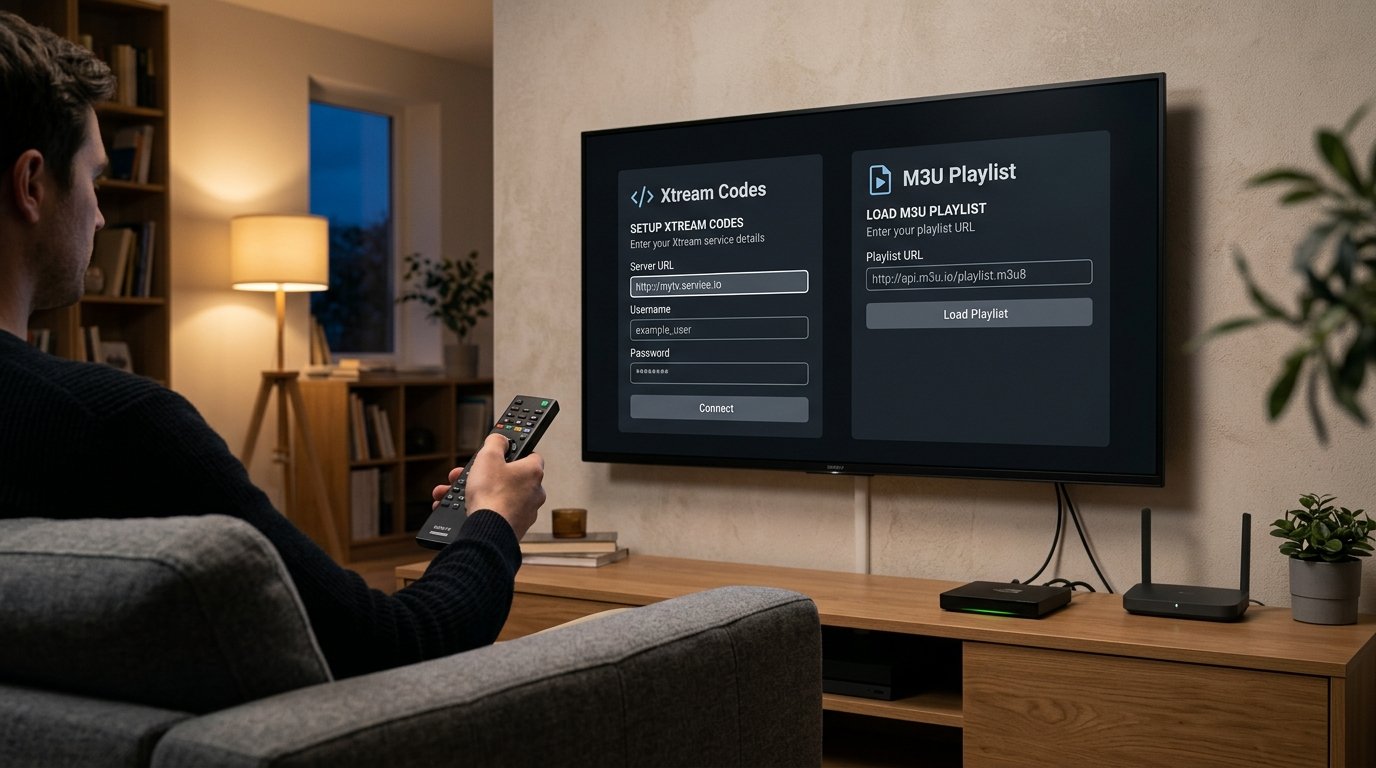
Many Strong-related setup guides recommend Xtream Codes because it separates the server address, username, and password into clear fields and can automatically load channels, VOD, series, and guide information when the provider supports them. To configure strong tivimate this way, you need the exact server or host URL plus the username and password issued with your own subscription. Current Strong setup pages describe both Xtream and M3U methods as common options.
Open TiviMate, choose to add a playlist, select Xtream Codes, and enter the details exactly as supplied. Do not add extra paths to the server URL unless your provider explicitly tells you to, and do not insert spaces before or after the username or password. Once the login is accepted, strong tivimate should begin importing the channel categories and other available data.
After the first sync, resist the temptation to change dozens of settings immediately. Confirm that your priority channels open, check that the guide populates, and make sure the account is stable on default playback settings. Advanced configuration is easier once you know the basic login is correct.
M3U Is Another Valid Option
Some accounts are issued as an M3U playlist rather than separate Xtream fields. TiviMate supports M3U according to its official listing, so strong tivimate can also be configured with a valid playlist URL when that is what your service supplies. If your EPG is provided separately, you may need to add the guide source after the playlist loads.
4. Organize the EPG Before the Playlist Becomes Overwhelming
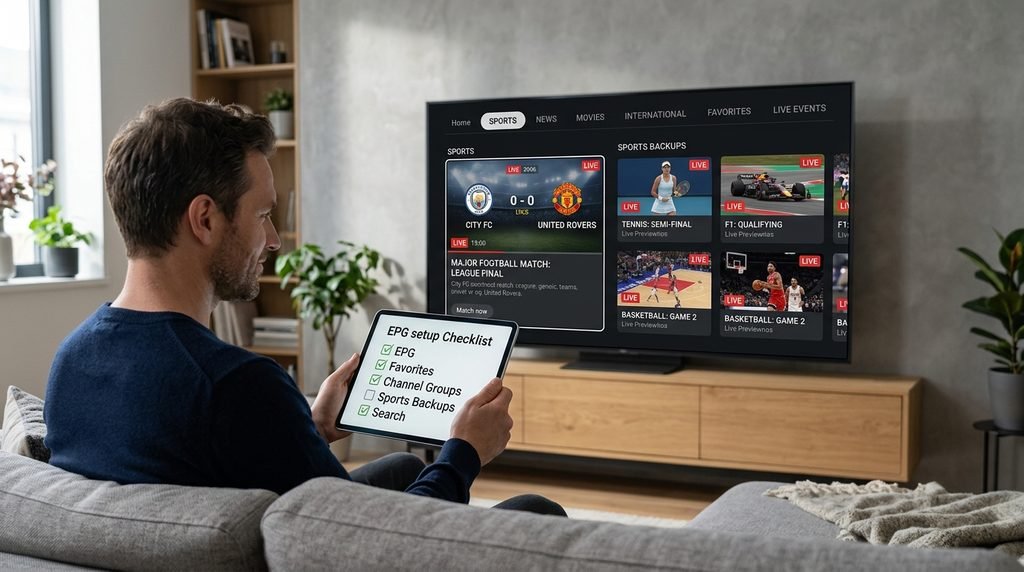
A huge playlist can make strong tivimate feel messy if you leave every country, sports package, backup feed, and language category visible. One of TiviMate’s major advantages is its television-guide interface and the ability to work with favorites, groups, search, and multiple playlists. Spend a few minutes organizing the service before judging whether the interface is good or bad.
Start by creating favorites from the 10 to 20 channels you genuinely use. Hide categories you never watch, move your most important groups closer to the top, and check whether EPG times line up with your local time zone. A well-organized strong tivimate setup can feel dramatically faster simply because you are no longer scrolling through thousands of irrelevant entries.
If guide information is missing, first wait for the initial EPG update to complete. Then confirm that the subscription actually supplies guide data for that channel and that your player is using the correct EPG source. Reinstalling the whole app should be a last resort, because an empty guide can come from the source rather than the player.
5. Best Playback Settings for Strong TiviMate
The default settings are the right starting point for most users. strong tivimate performance depends on the source stream, device decoder, connection quality, and app configuration, so copying an aggressive “best settings” profile from another device can sometimes make performance worse instead of better. Test first, then change only the setting related to a problem you can actually reproduce.
Hardware decoding is generally useful on modern Android TV hardware because it lets the device’s video-decoding hardware handle supported formats efficiently. If one unusual stream produces a black screen, broken picture, or audio problem, testing another decoder or external player can help determine whether the problem is format-specific. Do not change the entire strong tivimate setup because one channel has a bad source.
6. How to Fix Strong TiviMate Buffering
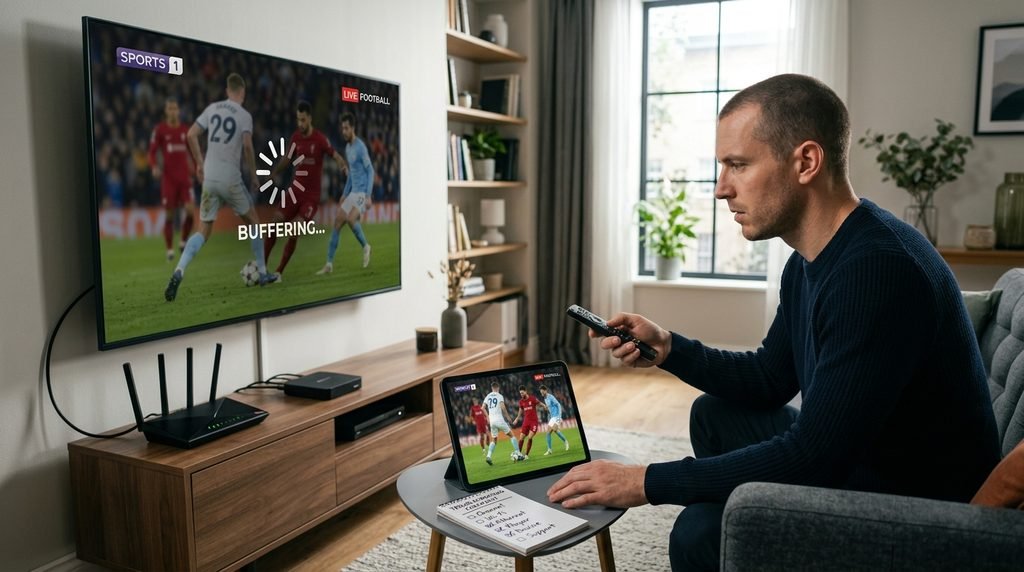
Buffering is often blamed on the player immediately, but strong tivimate sits in the middle of a longer chain. The stream source, server capacity, ISP route, VPN, Wi-Fi signal, router congestion, device hardware, decoder, and local background traffic can all affect playback. Good troubleshooting therefore changes one variable at a time.
Use this order when a channel starts freezing:
- Test a second channel in the same category.
- Restart the affected stream.
- Restart the player and device.
- Check whether normal internet services are working.
- Compare Wi-Fi with Ethernet if possible.
- Pause large downloads or cloud backups.
- Test the same account in another compatible player.
- Test another device on the same network.
- Contact the service provider if the same streams fail everywhere.
If strong tivimate struggles while another player runs the same channel smoothly on the same device and network, the player configuration deserves closer attention. If every player fails on the same channels, changing the TiviMate interface repeatedly is unlikely to solve the underlying problem.
7. Strong TiviMate Is Especially Useful for Sports
Sports viewers can benefit from strong tivimate because large playlists often include multiple regional feeds or quality variants of the same event, and TiviMate makes it relatively easy to organize them into favorites and switch quickly. The interface is particularly useful when you want a main feed plus one or two backup channels ready before an important football match, race, fight, or tournament begins.
Test sports during a real event rather than only checking whether the channel exists in the afternoon. Watch motion quality, audio synchronization, startup time, and stability for at least 20 to 30 minutes. If one UHD feed freezes but a Full HD backup is reliable, keep both in your strong tivimate favorites instead of depending entirely on the highest-resolution option.
The Strong8KTVs channel list can help you identify relevant sports categories before the trial. The useful comparison is not the total number of sports channels; it is whether the specific leagues, regions, and events you follow are accessible and stable when you need them.
8. TiviMate Premium Features Can Change the Experience
The official TiviMate listing includes features such as multiple playlists, catch-up, recording, search, parental controls, and multiview. Some features may depend on the app version, premium status, your device, or whether the subscription provides the underlying function. This configuration therefore needs to distinguish between what the player can do and what the service makes available.
Recording is a good example. The player can support recording, but successful recordings also depend on stream stability, available device storage, permissions, and sometimes whether the provider allows more than one simultaneous connection. Multiview similarly places more load on the device and may require multiple concurrent streams from the subscription.
Before paying for additional connections purely for TiviMate features, confirm the connection rules with your provider. Use the Strong8KTVs contact page if you need clarification about simultaneous streams, device support, or account limits.
9. Use a Trial Before Building Your Whole Setup Around It
A well-configured interface can look impressive, but the underlying subscription still needs to prove itself. Another user’s perfect setup cannot reproduce your ISP, router, television, location, preferred channels, or viewing schedule. That is why testing the service under normal household conditions is more useful than spending hours optimizing an app before verifying the streams.
Use the Strong8K free trial with the device and player you actually intend to keep. Test live channels, sports, EPG, VOD, search, favorites, subtitles, audio tracks, and peak-time performance. Once the setup works reliably in those areas, you can refine the interface and compare longer subscription options.
Strong TiviMate Trial Checklist
Before the trial ends, verify:
- Your priority channels load reliably.
- The EPG is useful on your favorite channels.
- Channel groups are easy to organize.
- Sports remain stable during a live event.
- VOD search and playback work as expected.
- Favorites remain after restarting the app.
- Your main device stays responsive.
- Wi-Fi is stable or Ethernet improves performance.
- Recording works if you plan to use it.
- Connection limits match your household needs.
- Support can answer a legitimate setup question.
- You understand renewal and subscription duration.
Strong TiviMate vs IPTV Smarters: Which Is Better?
The better choice depends on what you value. This combination is particularly attractive to television-first users who want a detailed EPG, favorites, playlist customization, multiple lists, and remote-friendly navigation. IPTV Smarters-style apps can feel simpler to beginners and are available across a broader range of device types, including platforms where TiviMate itself is not natively designed to run.
| Area | TiviMate Style | Smarters Style |
|---|---|---|
| TV remote navigation | Excellent | Good |
| EPG customization | Strong | Simpler |
| Multiple playlists | Strong support | Commonly supported |
| Favorites | Advanced TV workflow | Straightforward |
| Android TV | Excellent fit | Good fit |
| Touchscreen use | Not the main design | Often more flexible |
| Recording/multiview | Available depending on setup | Depends on app/version |
| Beginner setup | Moderate | Often simpler |
For a living-room Android TV or Fire TV device, TiviMate is often the more customizable experience. For a household using several different operating systems, a Smarters-style app may be easier to standardize across devices.
Frequently Asked Questions About Strong TiviMate
Does Strong TiviMate Include Channels?
No. This setup refers to using TiviMate with a compatible Strong account, while TiviMate itself is only a media player. The official Google Play listing explicitly says that the app does not provide television channels, streams, or media content; users must add their own authorized playlist.
Can I Use Strong TiviMate on Firestick?
Yes, Fire TV runs Fire OS, which Amazon describes as being based on Android, so Android-compatible television applications can often be adapted or installed on Fire TV hardware. Amazon also documents sideloading as a method of installing apps outside its Appstore, although users should only install software from sources they trust.
Amazon Fire TV app installation documentation
Can I Use TiviMate on Samsung or LG Smart TV?
Not natively in the same way as Android TV. TiviMate is designed for Android TV, so Samsung Tizen and LG webOS users normally need an external Android/Google TV or Fire TV device to run TiviMate. Otherwise, choose an IPTV player designed specifically for the television’s own operating system.
Does TiviMate Support Xtream Codes?
Yes, the official TiviMate listing currently includes Xtream Codes among its supported playlist formats. TiviMate users commonly enter a server URL, username, and password supplied by their service. Always enter the exact details issued for your account rather than copying server information from online tutorials.
Why Does TiviMate Buffer?
The cause can be the stream, server, ISP route, Wi-Fi, player, VPN, device, or configuration. Test another channel, compare Ethernet, try another supported player, and use a second device before concluding that TiviMate itself is responsible.
Is TiviMate Good for Sports?
It can be very convenient for sports because favorites, channel groups, EPG, and quick access to backup feeds make large playlists easier to navigate. Test the actual events you watch during the free trial because this player setup cannot compensate for an unstable source stream.
Final Verdict: Should You Use Strong TiviMate in 2026?
strong tivimate is a strong fit for viewers who use Android TV, Google TV, or Fire TV hardware and want a television-focused interface with detailed EPG navigation, favorites, multiple playlists, search, recording, catch-up, and multiview options. Its biggest advantage is not that it creates better streams, but that it can make a large authorized playlist considerably easier to organize and use from the sofa.
The smartest setup is to keep the player and subscription separate in your mind. Install a trustworthy TiviMate build, enter the correct Strong credentials, organize only the channel groups you care about, and test live sports, EPG, VOD, and peak-time stability. If something fails, compare another player before deciding whether the problem belongs to TiviMate or the underlying service.
For new users, check the channel lineup first, run the free trial, and contact support if the login format or device compatibility is unclear. Once strong tivimate works reliably on your real television and network, compare the Strong8KTVs pricing plans and choose a plan duration that matches your confidence rather than committing based on the interface alone.